Why your church should offer interpretation every Sunday, even when you don't know who's coming
You never know if the Ukrainian family will be there this week. With Spiiksi you don't have to: one QR code that works every Sunday, a new language in seconds, the Bible readings on every phone, and 10 hours of interpretation every month on Pro.
Spiiksi11 min lukuaika
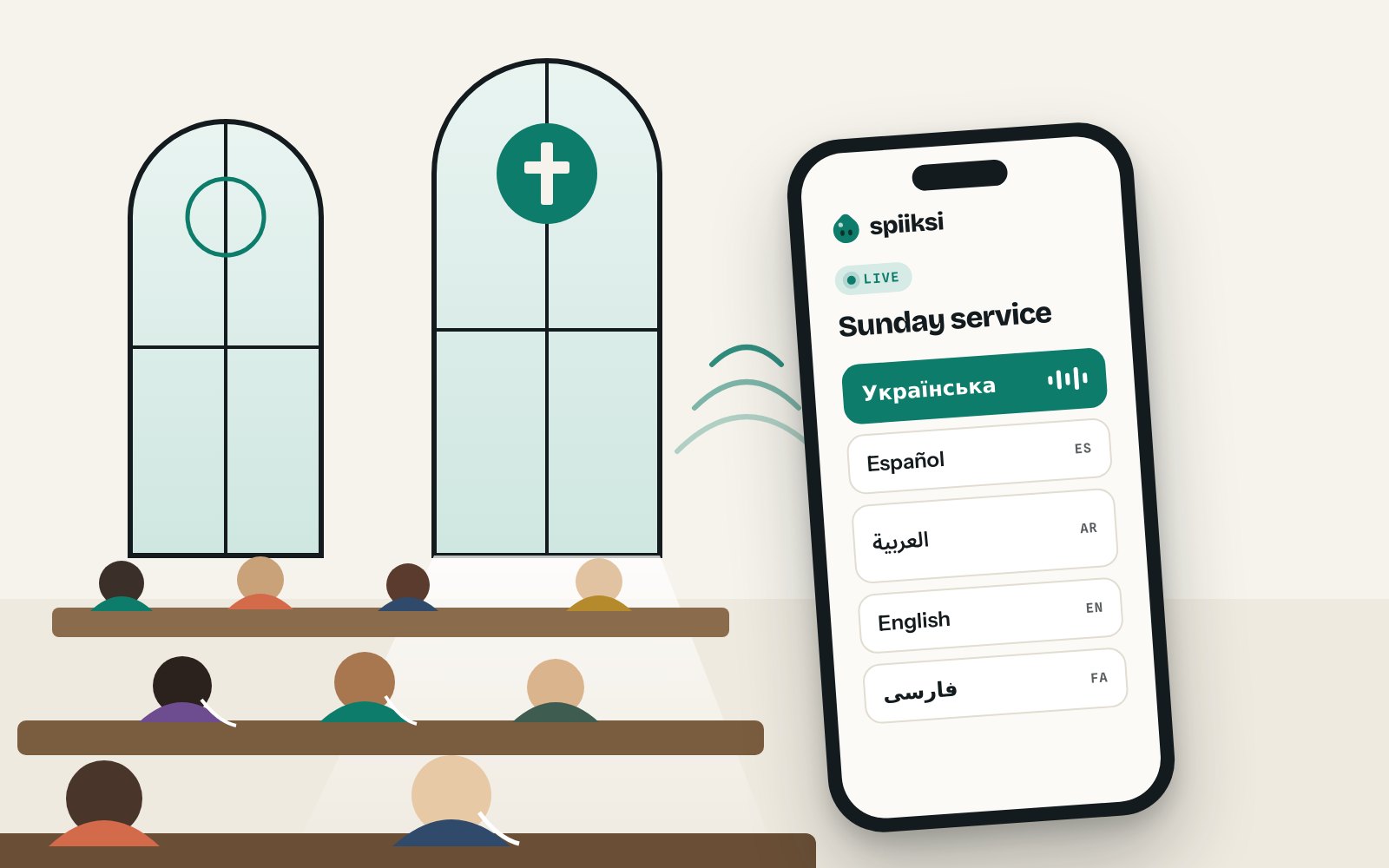
Every church that has tried to serve more than one language knows the Sunday-morning question: will they come this week?
The Ukrainian family that arrived last spring comes most Sundays, but not all. A Spanish-speaking student shows up twice a month. Someone's parents are visiting from Iran. An Arabic-speaking couple came once, sat at the back, and never came again, and nobody knows whether it was because they couldn't follow a word.
Booking an interpreter for people who might not come is hard to justify. Not booking one means the people who do come sit through the sermon understanding nothing. So most churches end up doing nothing, and the newcomers quietly drift away.
Spiiksi removes that question. Here is why.
You pay for minutes, not for guesses
Spiiksi has no equipment to buy, no monthly fee on the free Basic plan and no interpreter to book in advance. Interpretation is billed per minute per language, and only while someone is speaking. During silent prayer, pauses and long transitions, the interpretation pauses by itself and you are not billed. Listening is always free for your congregation.
Churches, charities and nonprofits get our community prices:
- €0.20 per minute for Default languages, such as English, Spanish, German, French and Russian
- €0.30 per minute for Plus languages, such as Ukrainian, Arabic, Persian, Polish, Swedish and Finnish
Prices are per interpreted language and exclude VAT. Here is what a 30-minute sermon costs at those prices:
| Interpreted into | Cost per Sunday |
|---|---|
| Spanish | €6.00 |
| Ukrainian | €9.00 |
| Spanish and Ukrainian | €15.00 |
A Ukrainian sermon for €9. That is less than the coffee after the service, and it is the difference between a family hearing the gospel in their own language or not hearing it at all.
The community prices are for churches, charities and nonprofits only, and we set them up for each congregation. To get them, use the Contact us button in the church and nonprofit section of our pricing page and tell us about your congregation: where you are, which languages you need and how often you meet. We will set up your prices and help you plan your first interpreted service.
Every Sunday covered: 10 hours a month with Pro
Paying by the minute is ideal while you find out who comes. Once interpretation is part of every Sunday, Pro is the simpler choice. Pro includes 10 hours of interpretation every 30 days, so a weekly service is paid for before you start.
Each language counts its own time. Here is what a church that meets every Sunday uses in 30 days:
| Every Sunday | Hours used in 30 days | Fits in Pro's 10 hours |
|---|---|---|
| One-hour service in Ukrainian | 4 to 5 hours | ✓ |
| One-hour service in Ukrainian and Spanish | 8 to 10 hours | ✓ |
| 30-minute sermon in four languages | 8 to 10 hours | ✓ |
At community prices, the one-hour service in Ukrainian and Spanish costs €30 a Sunday, or €120 to €150 every 30 days. On Pro it is included.
Pro costs normally €59.90 for 30 days, or €49.90 a month when you pay yearly. Churches with community prices can get Pro for €49.90 a month on monthly billing, the yearly price without committing to a year. Ask for it when you contact us.
Pro also puts your church's logo and colours on the listening page, takes up to 500 listeners and takes 30% off every language after the first. The hours start afresh every 30 days, also on a yearly plan. If a month has an extra event, such as a wedding or a funeral, the time beyond the hours is billed per minute with the Pro discount.
Other plans for other churches
Not every church needs 10 hours. Not every church manages with 10 hours either:
- Basic, free: pay per minute only. Good for trying Spiiksi or an occasional interpreted service.
- Starter, €9.90 for 30 days: 2 hours of interpretation, up to 250 listeners, language requests, questions from listeners, Bible verse detection and 20% off every language after the first. Good for a monthly international service.
- Pro, €59.90 for 30 days: 10 hours, everything in Starter, your logo and colours, up to 500 listeners and 30% off every language after the first. Good for every Sunday.
- Max, €149.90 for 30 days: 30 hours, up to 1,000 listeners and 40% off every language after the first. Good for large churches with several services and languages.
The discount for more languages also applies to the per-minute price. Take a 30-minute sermon interpreted into four languages at once: English and Spanish (€0.20) and Ukrainian and Arabic (€0.30). Per sermon, at community prices, before any included hours:
| Plan | Four languages, per minute | 30-minute sermon |
|---|---|---|
| Basic | €1.00 | €30.00 |
| Starter | €0.85 | €25.50 |
| Pro | €0.775 | €23.25 |
| Max | €0.70 | €21.00 |
Tell us how you meet when you contact us, and we will help you pick the plan that costs least.
Automatic Bible verse detection
When the preacher says "turn with me to John 3", half the room reaches for a Bible. The Ukrainian family has no Bible in Ukrainian in the pew rack, and by the time they have found the passage on their phone, the preacher has moved on.
Automatic Bible verse detection solves that. When the preacher names a passage, it opens by itself on every listener's phone, in their own language, under the interpretation they are already listening to.
How it works
- The preacher names a passage, the way they always do: "John 3:16", "Psalm 23", "Romans 8, verses 28 to 30". They can say it in your church's language. A Finnish "Psalmi 23" or a German "Römer 8" works just as well as English.
- Spiiksi recognises the reference in the sermon. It does this once for the whole room, however many languages are running.
- The passage opens on each phone: Ukrainian for the Ukrainian family, Spanish for the student, English for the visiting parents, all at the same moment. When the preacher moves on to another passage, the phones follow.
Nobody has to look anything up, and nobody at the sound desk has to press anything. The interpretation keeps playing while the passage is on screen.
Real Bible text, never a machine translation
The words always come from a published Bible translation, never from AI. AI only works out which passage the preacher named. The reader shows which edition the text comes from.
Most of the available editions are established, older translations, such as the classic national Bibles many congregations grew up with. Newer translations need an agreement with their publisher, so they are not all available yet. If a language has no published translation in Spiiksi, the listener sees the World English Bible instead. If your church relies on a particular translation, ask us whether it is available.
Each listener reads at their own pace
Following the preacher is the default, but nobody is forced along:
- Open Bible lets anyone choose a book, chapter and verses themselves, and move to the previous or next chapter.
- While someone reads their own passage, the preacher's next reference doesn't pull them away. A small The speaker is reading prompt shows it instead, and Follow speaker opens it and resumes following.
- Earlier passages reopens any passage from the service, which is useful for reading the text again during the closing hymn.
What one listener does on their phone never changes anyone else's screen.
Turning it on
- One switch per event. Open the event, press Edit, turn on Automatic Bible verse detection and save. It is off until you turn it on.
- Included in Starter, Pro and Max, with no per-minute charge of its own.
- Interpreted languages work straight away. If some listeners hear the original audio instead, turn on live captions for that channel so Spiiksi can recognise the references there too.
- Check it with Preview as a listener before the service.
Automatic detection currently recognises references to the 66 books of the Protestant Bible. Listeners can still open any book their translation includes, the deuterocanonical books among them where the translation has them. Like any automatic system, it can occasionally miss or mishear a reference. When that happens, listeners can open the right passage with Open Bible.
Add a language the moment someone needs it
You don't have to decide on Wednesday which languages Sunday needs. Start the service with the languages your regulars speak. If a Ukrainian visitor walks in, open the event and press Add language. Ukrainian is running in seconds, even in the middle of the sermon.
From Starter up, visitors don't even have to find you. A listener who doesn't see their language presses Don't see your language? Ask for it. You see the request, and how many people asked, on your dashboard, and add it with one tap. It starts translating right away.
So the question is no longer "will they come?" It's "who is here today?", and the answer is on your screen.
85 languages, one QR code
Spiiksi interprets into 85 languages, including Ukrainian, Russian, Arabic, Persian, Spanish, Polish, English, Swedish and Finnish. It understands more than 70 languages as the spoken language, so a visiting preacher or a guest testimony works too.
Your congregation needs nothing new. They scan a QR code in the order of service or on the screen, choose their language and listen on their own phone with their own earphones. No app, no account, no receivers to hand out and collect. One service can run several languages at the same time, so the Ukrainian family, the Spanish-speaking student and the visiting parents all follow the same sermon, in the same room, together.
And it is the same QR code every week. Print it once on a card by the door, in the welcome pack and on the back of the pew, and it works next Sunday and every Sunday after. Regulars save the link on their phone and simply open it when the service starts. Newcomers find it where they sit.
Costs you control, every week
Churches work with budgets set by a council, not by a sales team. Spiiksi is built for that:
- Included hours. Pro covers 10 hours every 30 days, Starter 2 and Max 30. They are used before your balance, and Billing → Plans shows how many are left.
- Prepaid balance. Top up a balance in advance and any minutes beyond the hours are taken from it. With a prepaid balance your card is never charged automatically, so the church never spends more than you set aside.
- Starts and stops on its own. Set the interpretation to start at the first sound or at a fixed time, and set a maximum length or a latest end time. If nobody remembers to stop it after the service, it stops by itself.
- Pauses during silence. Prayer, communion, the walk to the front: none of it is billed.
- Community prices. €0.20 per minute for Default languages and €0.30 for Plus languages, for churches, charities and nonprofits. Contact us to get them.
- Discounts for more languages. Starter takes 20%, Pro 30% and Max 40% off every language after the first.
Set up once, use every Sunday
The setup takes one Sunday to get right and then runs every week:
- Create an event and choose the languages your regulars speak.
- Connect the sound. A computer at the sound desk takes the preacher's microphone feed and broadcasts from the browser. Nothing has to be installed.
- Tell the interpreter about your church. Write a few lines in the interpreter instructions: the type of service, the preacher's name, the readings. List the names and terms that matter, such as your parish name or how "confirmation" should be translated.
- Turn on Automatic Bible verse detection, so the readings open on every phone.
- Put the QR code where people see it, in the order of service, on the screen before the service and on a card by the door. It stays the same every week, so print it once.
- Add languages as people arrive.
People who prefer to read can turn on Show text and follow the sermon as live text. The same captions help deaf and hard-of-hearing members in your own language, too.
Not just Sunday morning
Once the QR code is familiar, use it for everything else your church does: weddings and funerals with families from abroad, baptism and confirmation classes with parents who don't speak the local language, parish meetings, Bible study and newcomer evenings. If Sunday leaves some of Pro's hours over, a midweek Bible study can use them. Beyond the hours, you pay only for the minutes you use.
Welcome everyone who walks in
Churches have always been places where strangers become family. Language shouldn't be the reason someone stays a stranger. With Spiiksi, you don't need to predict who will come. You just need to be ready when they do.
See how it works for churches, contact us for community prices and the Pro church rate, or create a free account and try it at a midweek meeting before your next Sunday.
This post and its cover illustration were made with AI assistance and reviewed by the Spiiksi team.